Note: I wrote this article myself. Since English is not my first language, I ran it through ChatGPT to scan for grammar corrections and paraphrasing. I reviewed the output and made my own adjustments before publishing.
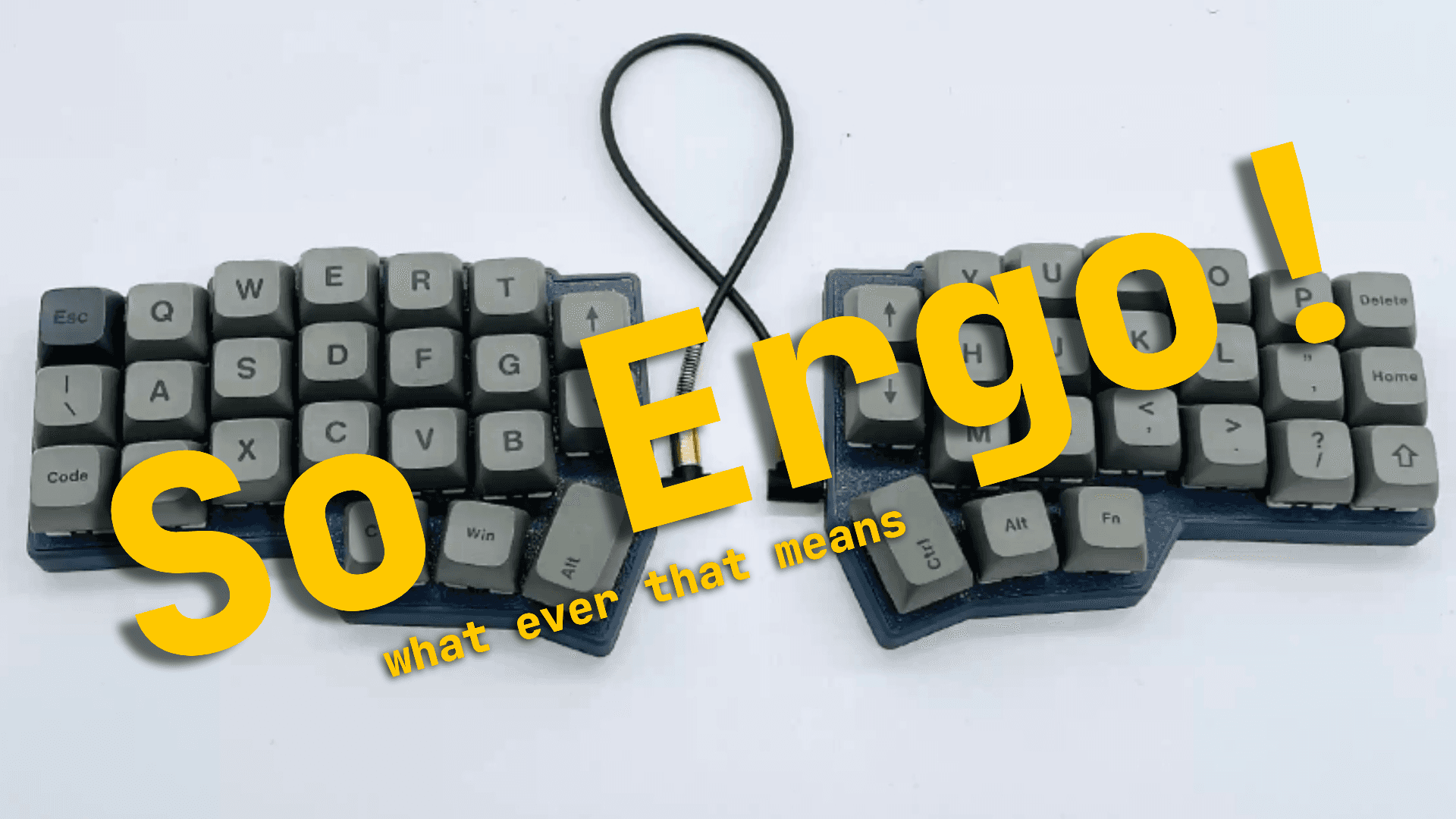
Ergo keyboards are fire!
Let’s not waste time: ergonomic keyboards are seriously good.
But why?
Here’s the short version: fewer keys, and a split layout that lets you position each half exactly where your hands feel most comfortable. That’s already a win for comfort. But let’s dig deeper.
They have less keys? How is this even good?!
I know what you’re thinking
"Fewer keys? How is that good?"
Well… let me ask you something. Do you actually use the numpad?
Unless your job involves a lot of data entry, probably not. Most devs either stopped using it or never touched it to begin with. Why? Because it’s too far. Yes, nine inches is too far when you're optimizing for flow. Let me cook...

Every inch counts when you're typing all day. Trust me, this isn’t about laziness—it's about efficiency.
If you’re a developer—or even aspiring to be one—you probably love optimizing everything. Cleaner code. Faster builds. Shorter feedback loops.
Same principle applies here: less movement means faster typing, and faster typing means more time. And time? Time is money.

I use Neovim BTW, and once you go down that rabbit hole, you start noticing how small things that pile up make a huge difference. A little hand movement here, a slightly slower reaction there—it adds up. Over time, those micro-inefficiencies compound and slow you down way more than you realize.
Ever rushed a ticket and smacked your cheek with your fists trying reach for a single number on the numpad?
And for what? case "s3_driver":? Your middle finger could've just hit the 3 above the W key. But muscle memory’s a thing, and the numpad still lures you in.
Now imagine doing that kind of reach multiple times to a repo with a thousand files that piled up overtime. That adds up. Not in hours, but in those tiny milliseconds that devs like us live and breathe. Imagine how many more tickets you can finish with that piled up time 🤷.
Sure, you could just use the number row above QWERTY.
But you could also think bigger.
With fewer physical keys, you unlock the magic of layers—think of them like holding Shift or Fn, but customizable and stacked however you like.
I personally use five layers:
- Base – your standard QWERTY
- Shifted – capital letters, activated by holding or tapping a modifier (mine’s Caps Lock double-tap)
- Numbers & symbols – self-explanatory
- Actions – arrows, page up/down, home/end, delete, print screen
- Function/media – toggled when needed
Important keys like Enter, Esc, Backspace, Ctrl, Alt, and the layer keys themselves stay consistent across all layers. That’s intentional. This isn’t chaos—it’s controlled efficiency.
Of course, all of those, are things I mapped myself and what makes sense to me. It's different to everyone.
And with all that in mind you get this:

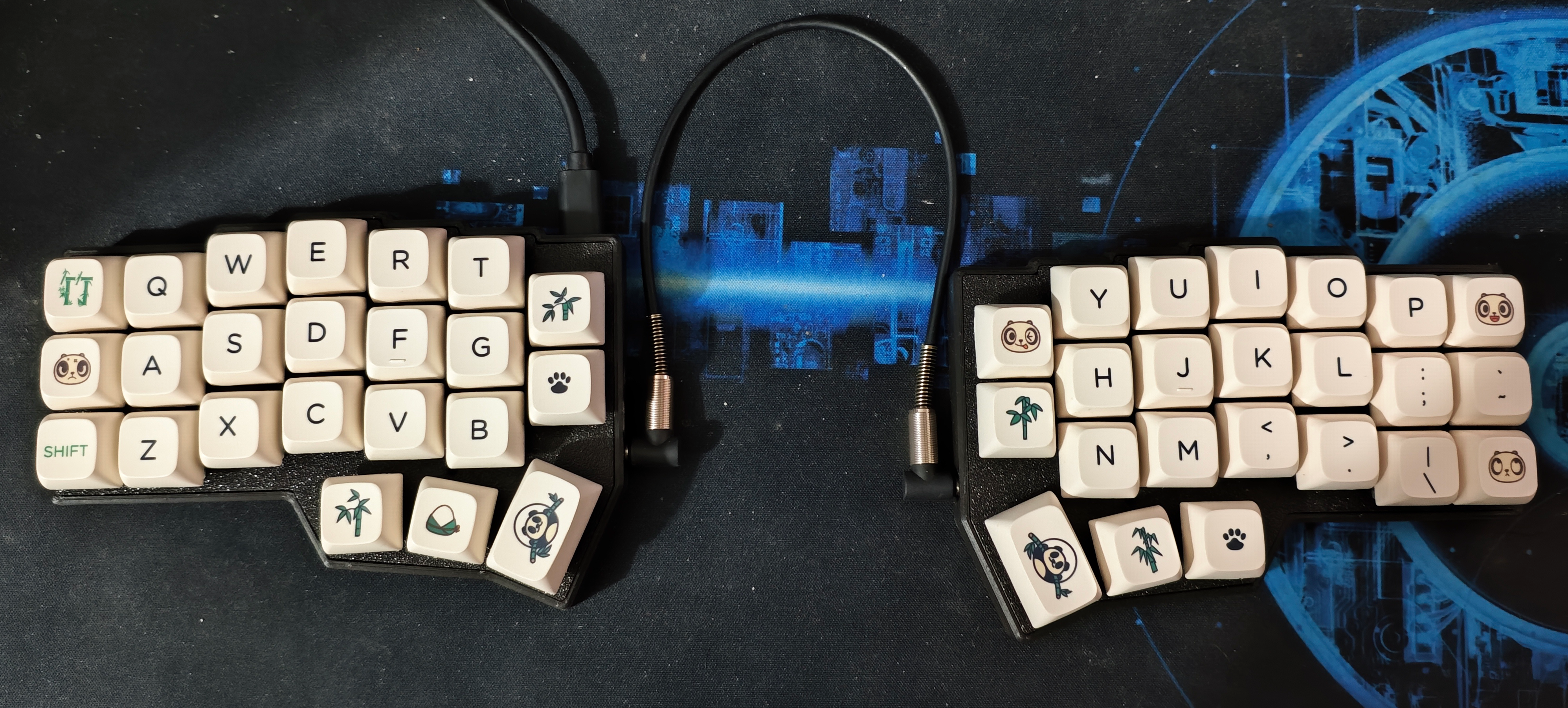
This is a CORNE Sw35.
I'm not sponsored by all of these products written in this post.
This is NOT an official Corne keyboard... I think (I'm not sure). I tried to find this model in their website and never saw any.
But it works. It supports QMK and Vial, so I have full control over how it behaves. It’s not premium, but it’s mine.
Now this looks daunting at first but it's not really that bad when you get used to it. There are a bit less daunting like what ThePrimagen use which is the Kinesis Advantage 360. There's also Glove 80 which I'm seeing positive reviews of.
As you can see, there are many more keyboards out there that have a bit more keys and a bit more exaggerated design which is believed to be good for the wrists. I haven't tried it but I don't have carpal-tunnel in the first place so It's fine I guess.
Why Go Split?
Here’s the deal: traditional keyboards force you to either angle your wrists inward or center the keyboard and twist your arms awkwardly.
Split keyboards fix that. You position each half where your arms naturally rest—aligned with your shoulders and armrests. Some even angle vertically, like what DevOps Toolbox does. Kinensis and Glove 80 has this feature to their keyboard already built-in.
Bonus: you finally learn proper finger placement. No more using your right index to hit the R key (you know who you are).
Breaking Benjamine muscle memory
Personally, the adjustment took about a week. It wasn’t perfect—my muscle memory confused typing C and V at first—but once I got used to it, it became second nature.
Typing is smoother. Symbols take practice. But day one was already usable. And no, I don’t game on this.
Is it worth it?
Let’s talk cost.
All prices are based off of during the time of writing this.
- Corne Sw35, Not an original Corne keyboard (I think), not bad but also not good build of the housing. – just under PHP2,500.00
- Keycaps + Switches – around PHP700.00
- Total – PHP3,100.00
Compare that to something like the Rakk Tala V2 (PHP1,800.00), which has a solid build and way more keys. Value-wise? Rakk wins.
This is really what less is more means. You get less keys for more price.
But that’s missing the point.
Yes, the Corne is more expensive. Yes, it took time to learn.
Is it worth it?
Financially? Probably not.
As an investment in comfort? Absolutely.
Final thoughts
So yeah, I didn’t switch to an ergonomic keyboard because my wrists were screaming for help. I did it because it looked cool, other devs were doing it, and I was curious. And now? I get it.
It’s not just about ergonomics or health. It’s about intentionality—the same way we obsess over dotfiles, aliases, or shaving off milliseconds from a build. It’s about making your setup yours. Fully customizable. Fully optimized. And kinda fun to flex, let’s be honest.
The learning curve? Real. The price? Meh. But the end result? A keyboard that fits how I work, not the other way around.
So if you’re on the fence: no, you don’t need wrist pain to justify the switch. Curiosity is enough. And if you're the kind of dev who configures their editor for 3 hours to save 2 seconds, then yeah... you’ll love this too.
Ergonomic keyboards aren't just tools—they’re part of the craft.

